

P45, P60 and P11D Explained: The Three Payroll Forms Every UK Employee Gets
What a P45, P60 and P11D are, when your employer gives you each one, what they show, and how to get a replacement if one is lost or wrong
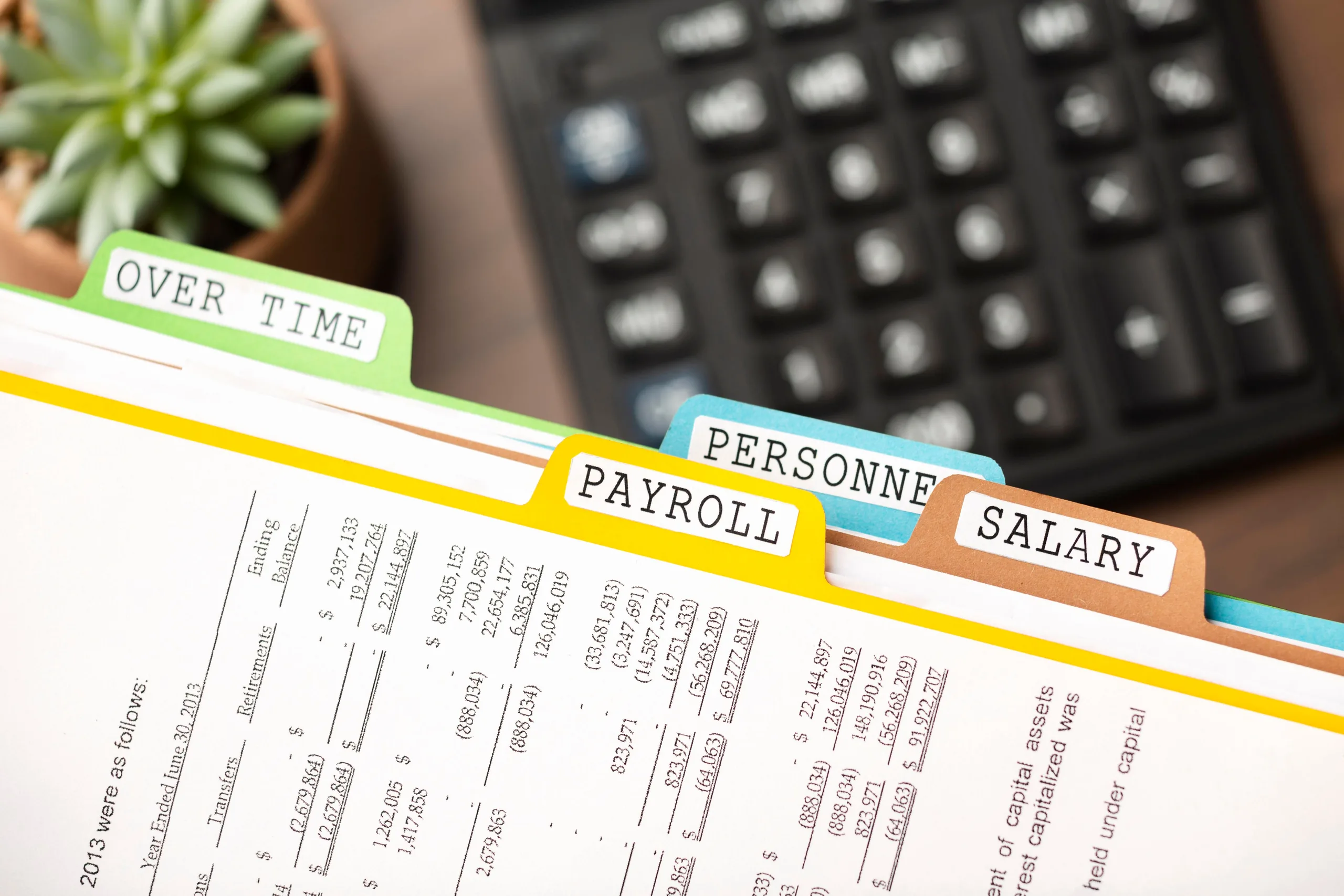
In short: P45, P60 and P11D are employee payroll forms issued by your employer. According to GOV.UK, you get a P45 when you stop working for an employer, a P60 if you are still employed at the end of the tax year, and a P11D if you receive company benefits. Your employer reports the same information to HMRC.
If you are an employee in the UK, your employer tells you about your taxable income using a small set of standard forms, and the three you are most likely to meet are the P45, the P60, and the P11D. Each one covers a different moment: leaving a job, reaching the end of the tax year, and receiving benefits on top of your salary. Get to know them and it becomes far easier to check you are paying the right tax and to prove your income when a lender or the taxman asks. This article explains, in plain language, what each form is, when you get it, what it shows, and how to get a replacement if it goes missing. One thing to note at the outset: these are employee forms, so if you are self-employed you will not receive them.
Key Takeaways
- You get a P45 when you stop working for an employer, a P60 if you are employed on 5 April, and a P11D if you receive company benefits.
- Your employer gives you these forms and reports the same information to HMRC.
- A P45 shows your leaving date, your pay and tax from 6 April to the date you left, and your tax code.
- A P60 shows the tax paid on your salary for the whole tax year (6 April to 5 April) and must reach you by 31 May.
- A P11D reports benefits in kind, such as a company car or an interest-free loan.
- If a form is lost, you can usually find the details in your Personal Tax Account or the HMRC app.
What Are the P45, P60 and P11D?
They are three employee forms your employer uses to report your taxable income, each covering a different event: leaving a job, the tax year end, and receiving company benefits.
Between them they give a full picture of what you earned and the tax deducted. You get a P45 if you stop working for an employer, a P60 if you are still working for them at the end of the tax year, and a P11D if you receive company benefits.
All three are employee forms, and that boundary matters. If you are self-employed you will not receive them, and if you are an employer there is separate HMRC guidance on producing them. Because your employer sends the same figures to HMRC, these forms are the documents you use to check that what has been reported matches what you were actually paid.
What Is a P45 and When Do You Get One?
You get a P45 when you leave a job. It shows your leaving date, your pay and tax from 6 April to the date you left, and your tax code.
You get a P45 when you leave a job. It shows your leaving date, your pay and tax from 6 April to the date you left, and your tax code, along with personal details such as your National Insurance number. You give it to your next employer so they can work out the right tax on your pay, and if you have a paper P45, you hand over Parts 2 and 3 and keep Part 1a for yourself.
If you are not working and are claiming taxable benefits, you give the P45 to Jobcentre Plus instead. If your previous employer did not give you one, ask them, because without it you might pay the wrong amount of tax in your new job. One important quirk: you cannot get a replacement P45 if you lose it. Instead you fill in HMRC's starter checklist for your new employer, and you can view your pay and tax for the last five tax years in your Personal Tax Account or the HMRC app.
What Is a P60 and When Do You Get One?
Your P60 is your end-of-year summary. It shows the tax paid on your salary across the whole tax year, and your employer must give it to you by 31 May.
Your P60 is your end-of-year summary. It shows the tax paid on your salary across the whole tax year, which runs from 6 April to 5 April, and your employer must give it to you by 31 May. If you are working for an employer on 5 April, they must provide a P60, on paper or electronically, and you get a separate P60 for each job you hold.
Your P60 is your proof of the tax you have paid on your salary, and that proof is useful in everyday situations, for example claiming back tax you have overpaid, or showing your income when you apply for a loan or a mortgage. If you have lost it, ask your employer for a replacement; if they cannot provide one, you can find the same information in your Personal Tax Account or the HMRC app, or by contacting HMRC directly.
What Is a P11D and When Do You Get One?
A P11D reports “benefits in kind”, extras you receive on top of salary such as a company car or an interest-free loan.
Your employer might submit a P11D to tell HMRC about these benefits so the right tax can be charged. In some cases your employer instead takes the tax due on your benefits straight out of your pay, and where they do that, they do not need to submit a P11D, they will write to you to explain how it works.
If you need the details of what was reported, you can ask your employer for a record of the P11D, including how much each benefit is worth. If they cannot give you one, you can contact HMRC for the information. Keeping these figures matters, because benefits in kind can affect your tax code and the overall tax you owe for the year.
How Do You Get a Copy If a Form Is Missing or Wrong?
For a missing form, turn to your employer first, then your Personal Tax Account, the HMRC app, or HMRC directly. For an error, ask your employer to correct it, and tell HMRC if they cannot.
Example: you left a job in June, started a new one in July, and your first payslip shows more tax than you expected. You check and realise your old employer never sent your P45. You ask them for it, but they say it was already issued and cannot be reissued, P45s cannot be replaced. So you fill in HMRC's starter checklist and give it to your new employer, and you look up your pay-and-tax figures for the year in your Personal Tax Account. Once your new employer has your details, HMRC should correct your tax code after your first pay, and any overpaid tax works its way back to you.
The same pattern applies to the other forms. If a P45 shows the wrong pay or tax, ask your previous employer for an amended one, and if they cannot provide it, tell HMRC through the “check your Income Tax” online service so they can chase the employer. For a lost P60 or P11D, your employer is the first port of call, with HMRC able to supply the underlying information if needed. Keeping these forms safe is worthwhile, since together they are the simplest way to prove your income and check you are paying the correct tax.
Frequently Asked Questions
What is the difference between a P45 and a P60?
Can I get a replacement P45 if I lose it?
Do I always get a P11D?
Who gets these forms?
Why do I need to keep my P60?
What should I do if the tax on my new payslip looks wrong?
Conclusion
The P45, P60, and P11D are not complicated once you know what each one is for: a P45 when you leave, a P60 at the year end, and a P11D for company benefits. The employees who avoid tax-code headaches are simply the ones who keep these forms safe, check the figures against their payslips, and act quickly if something looks wrong, asking the employer first and HMRC if the employer cannot help. Treat them as useful records rather than paperwork to file away and forget, and they make it straightforward to prove your income and confirm you are paying the right amount of tax.
General information based on GOV.UK guidance “Your P45, P60 and P11D form”, not personal tax advice. Confirm your own position with a qualified adviser or HMRC before acting.
Payroll Forms and PAYE Support From Taxule
Not sure whether the tax on your payslip, P45, or P60 is right, or whether a P11D benefit has pushed you onto the wrong tax code? Taxule can review your figures and explain exactly what each one means for your tax position.
Talk to Taxule